Quiz Entry - updated: 2026.08.27
How do you access the boot loader on a Cisco switch for crash recovery?
Hold the Mode button during power-on until the System LED turns briefly amber then solid green — that drops you to the switch: boot loader prompt.
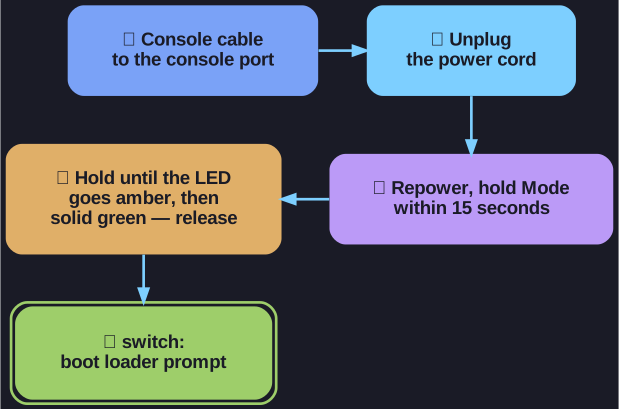
* The five-step drop into the boot loader. *
Step-by-step recovery process:
- Connect a PC via console cable to the switch console port
- Unplug the switch power cord
- Reconnect power and within 15 seconds, press and hold the Mode button while the System LED is still flashing green
- Keep holding until the System LED turns briefly amber, then solid green — then release
- The
switch:boot loader prompt appears in the terminal
What you can do from the boot loader:
- Format the flash file system
- Reinstall the operating system software
- Recover a lost or forgotten password
- Use the
dircommand to view files in flash
Tip: This is the Cisco equivalent of booting into "safe mode" — you bypass IOS entirely and work directly with the boot loader.